STEP 1: OBTAIN A CAC READER |
||||||||||||||||||||||||||||||
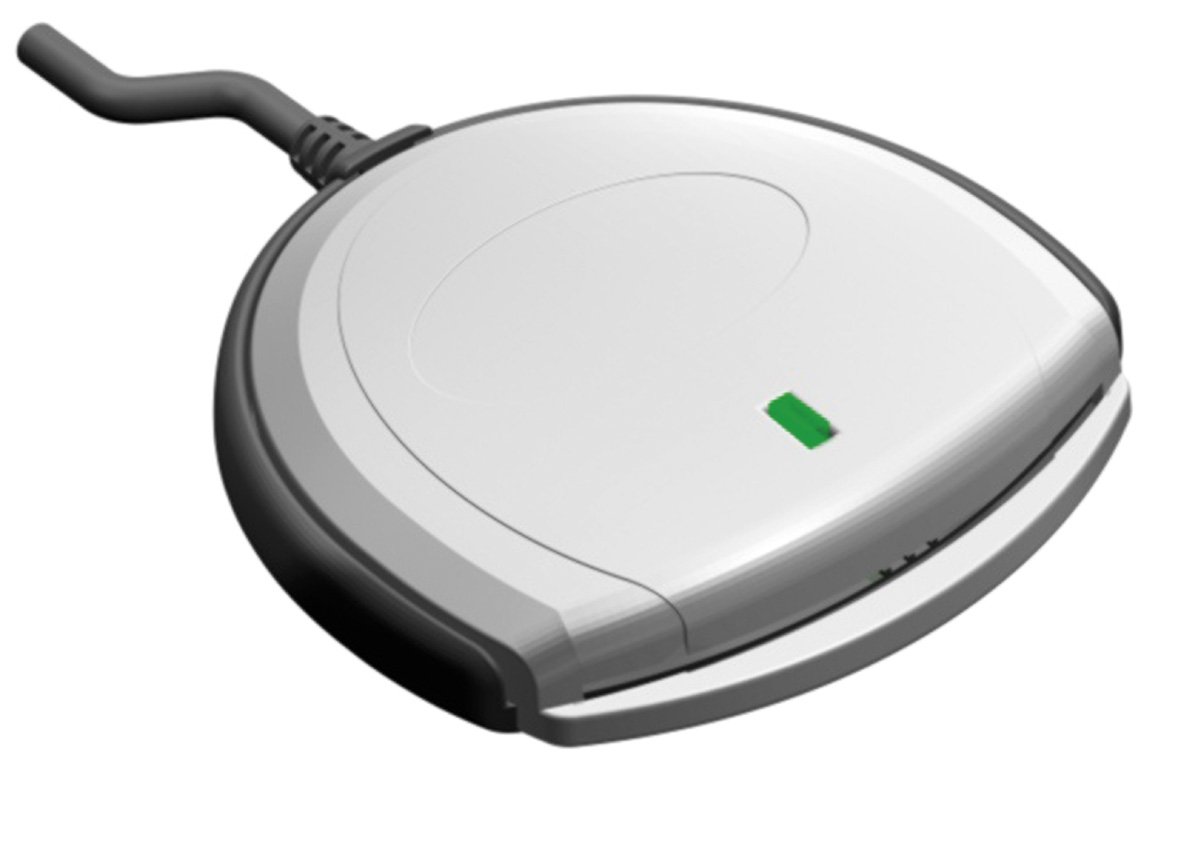
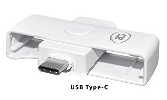
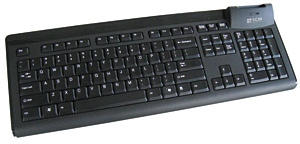
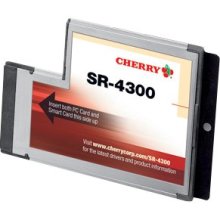
Decide which type of reader you want
IF YOU WERE ISSUED A READER BY YOUR UNIT, YOU CAN PROCEED DIRECTLY TO STEP 2
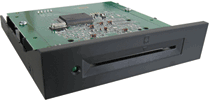
Click on hyperlinks or images below to see more choices (these are the 4 basic types of readers)
NOTICE: The links to vendors and / or products are my attempt to save you time searching for the specific item, by linking you directly to the item shown. You will notice I have multiple [when I can find] vendors to choose from. I have no personal preference as to who you decide to purchase from. I am not endorsing any particular product or vendor, I'm merely informing you what works and where you can purchase a CAC reader.
The following businesses also sell CAC readers: (listed alphabetically)
|
||||||||||||||||||||||||||||||
If you have questions or suggestions for this site, contact Michael J. Danberry
Last Update or Review: Sunday, 03 April 2022 19:43 hrs
The following domain
names all resolve to the same website: ChiefsCACSite.com,
CommonAccessCard.us, CommonAccessCard.info, & ChiefGeek.us
|